
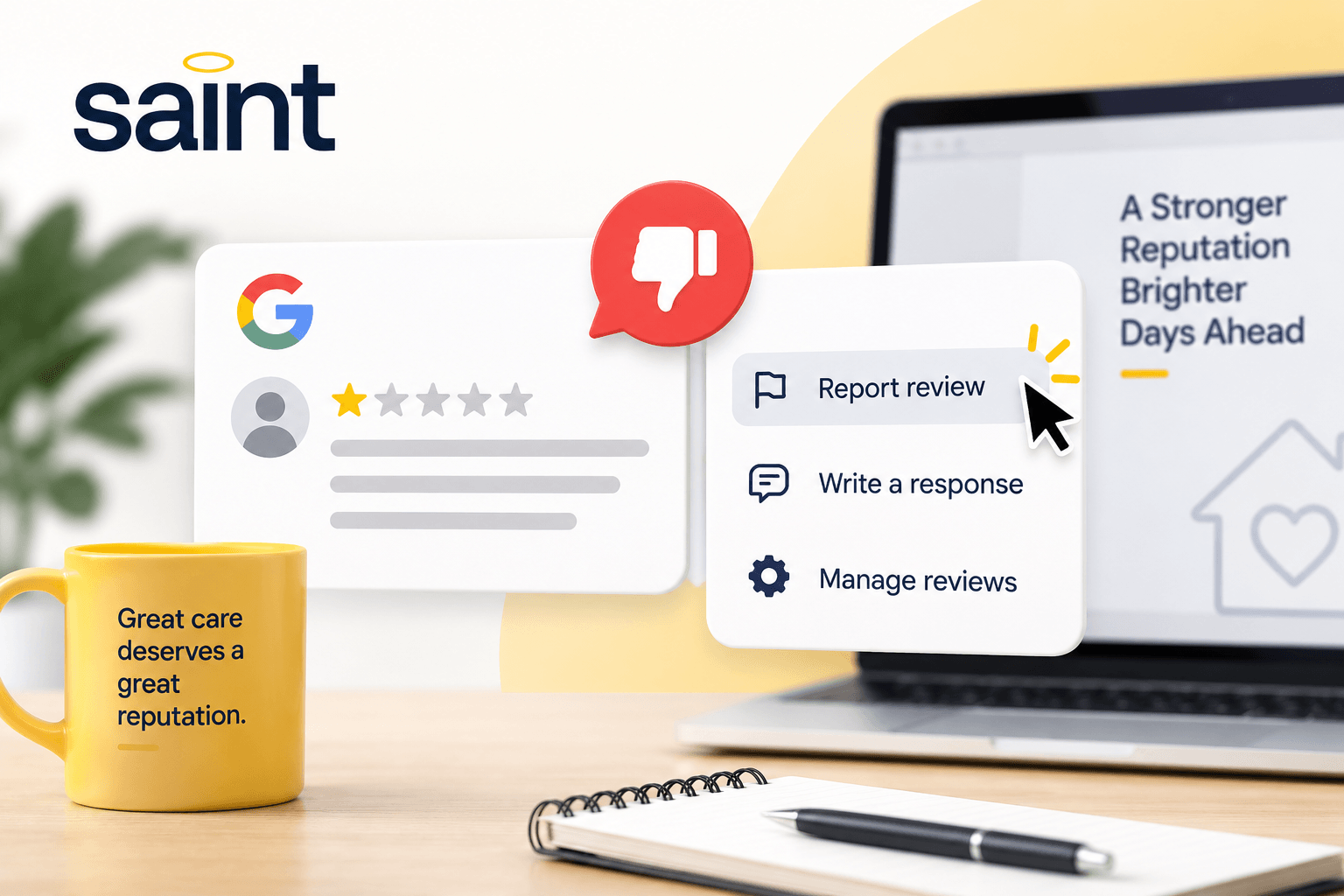
A one-star Google review appears on your home care agency's profile.
Maybe you believe the complaint is unfair. Maybe you don't recognize the reviewer. Or perhaps the review contains information you believe is completely false.
Your first thought might be:
Can we just get this review removed?
Sometimes, but not simply because the review is negative.
Google allows businesses to report reviews that violate its policies. But a legitimate negative review generally won't be removed just because a business disagrees with it.
For home care agencies, understanding the difference is important. Knowing when to report a review, when to respond, and when to focus on your broader reputation can keep one bad review from becoming a much bigger problem.
No. Businesses can't directly delete reviews from their Google Business Profiles.
The person who posted a review can edit or delete it, and Google can remove reviews that violate its policies.
Google specifically tells businesses not to report a review simply because they disagree with it or don't like it.
Read Google's guidance on reporting inappropriate reviews.
That means a one-star rating isn't enough to have a review removed.
There generally needs to be a policy violation.
Google maintains policies governing the content people can post to Maps and Business Profiles.
Reviews that violate those policies may be eligible for removal.
Some examples include:
Google prohibits content that isn't based on a genuine experience.
That can include fake reviews, attempts to manipulate a business's rating, and certain reviews posted because of conflicts of interest.
This can become especially important if your agency suddenly receives suspicious reviews from people who don't appear to have any connection to your business.
Google prohibits repetitive or disruptive content, including certain forms of promotional material and content posted repeatedly from multiple accounts.
Content that harasses individuals or businesses can violate Google's policies.
Google also restricts certain threats and other harmful content.
Reviews should relate to an experience with the business.
Google prohibits content that is based on general political or social commentary, personal rants, or other material unrelated to the experience at the location or business.
Google prohibits misleading representations and certain false or deceptive content.
You can review the complete requirements in Google's prohibited and restricted content policies.
This is where things can become frustrating for business owners.
You might read a review and immediately believe:
That's not what happened.
That doesn't necessarily mean Google will remove it.
Google isn't there to resolve every factual disagreement between a business and a reviewer. Its removal process focuses on whether content violates Google's policies.
For example, a client might say your communication was terrible while your team believes it responded appropriately.
That's a disagreement about the experience.
It isn't automatically a policy violation.
On the other hand, if you believe a review is fake, spam, unrelated to your business, or otherwise violates Google's policies, you can report it for review.
Not recognizing someone's Google account name doesn't automatically mean the review is fake.
The name displayed on Google may not match the name your agency has in its records. The person leaving the review could also be a family member or another person connected to the client experience.
This is especially relevant in home care, where multiple family members may be involved in decisions and communication surrounding someone's care.
Before assuming a review is fraudulent, investigate internally.
Check whether the situation described resembles a real client experience.
Talk with the employees who may have been involved.
Look for relevant communication or service records.
If you still have reason to believe the review violates Google's policies, you can report it.
Google provides businesses with a review-management tool for reporting reviews that may violate its policies.
The basic process is:
Google also provides an appeals process for certain reviews that aren't removed after the initial evaluation.
You can access Google's official instructions here:
Report inappropriate reviews on your Business Profile.
It's worth being selective.
Reporting every negative review isn't a reputation-management strategy. Reserve the process for reviews you genuinely believe violate Google's policies.
This is where reputation management becomes more important than review removal.
If a negative review doesn't violate Google's policies, there's a good chance it will remain visible.
You still have options.
Your response can become part of what future clients see when researching your agency.
Avoid arguing publicly, revealing private information, or responding emotionally.
Instead, acknowledge the concern appropriately and try to move the conversation offline when necessary.
We've put together a complete guide on how to respond to negative Google reviews for your home care agency.
Even a review you don't agree with may contain useful information.
Was there a communication breakdown?
Did a family misunderstand something about scheduling or billing?
Was there an issue that your leadership team didn't know about?
A negative review can sometimes reveal a larger client-experience issue.
Tracking home care client satisfaction can help your agency identify patterns before they become larger problems.
One negative review can appear much more significant when your agency has very few reviews overall.
That doesn't mean you should try to "bury" the review.
Instead, continue giving clients and families opportunities to share their genuine experiences.
Over time, a larger collection of authentic reviews can give prospective clients a more complete picture of your agency.
If review generation tends to fall off your team's to-do list, read Why Manual Google Review Requests Don't Work for Home Care Agencies.
A negative review can create pressure to make the problem disappear.
Be careful how you handle it.
Google prohibits merchants from offering incentives such as payment, discounts, free products, or services in exchange for posting, changing, or removing a review.
Google also prohibits businesses from discouraging negative reviews or selectively soliciting positive reviews.
Review Google's fake engagement policy.
Your goal should be genuine feedback, not a perfect five-star profile manufactured through incentives or pressure.
Home care agencies have another consideration when responding publicly: client privacy.
You may know exactly what happened.
That doesn't mean the details belong in a public Google response.
Avoid using a review response to discuss someone's care, health, services, family circumstances, or other sensitive information.
A short, professional response that moves the conversation to a private channel is often more appropriate than publicly trying to prove your agency was right.
Remember that your response isn't only being read by the reviewer.
Prospective clients may see it too.
A negative review can be frustrating, but it needs to be viewed in context.
Consider two home care agencies.
Agency A has 60 reviews, a strong overall rating, recent client feedback, and professional responses to criticism.
Agency B has nine reviews, hasn't received a new one in months, and its newest review is a one-star complaint.
Both agencies have a negative review.
But prospective clients are seeing two very different reputations.
That's why trying to remove every negative review isn't the answer.
The stronger approach is building an online reputation that accurately reflects the experiences your agency delivers over time.
We explore this further in How Bad Google Reviews Can Hurt Your Home Care Agency.
No home care agency can guarantee that every client or family will be happy with every interaction.
And no reputation-management strategy can guarantee that your business will never receive a negative review.
What you can control is how consistently you pay attention.
Monitor feedback.
Address legitimate concerns.
Respond professionally.
Report content that actually violates Google's policies.
And continue giving clients opportunities to share genuine experiences.
A strong reputation isn't built by trying to make criticism disappear.
It's built by creating enough positive client experiences that your online reputation accurately reflects the quality of care your agency provides.
Saint helps home care, senior care, private duty, and caregiving businesses build stronger online reputations through a more consistent approach to client feedback and review generation.
Instead of waiting until a bad review appears to start thinking about your reputation, Saint helps make reputation management an ongoing part of your client experience.
Great care deserves a great reputation.
Grow your business online fast!
It includes strategies on:
Where to get reviews
Evaluating your online presence
Setting a review goal for your business
Avoiding bad reviews
Maximizing positive reviews